
Fast rooting BV4800 with file
DévérrouillageUnlocking OEM
Activé
Enable lesdev options
check OEM option
and
cocher l'option OEM
et activéenable adb
Install Magisk and patch the boot.img
Install Magisk-v26.1.apk to the smartphone storage using adb. Github Magisk Release
cd ~/rooting_tablette/apk
adb install Magisk-v26.1.apk
Attention only version 26.1 of Magisk works, higher versions are not functional for this phone
Start MTK client
cd ~/github/mtkclient/
source env/bin/activate
Start gui interface
python mtk_guiconnect your phone following the steps given in mtk client gui
when device is connected we can't quit and use command line
Unlock bootloader
python mtk da seccfg unlockUse MTK client with command line to push file patched_Signed_boot and signed_vbmeta
python mtk w boot_a,vbmeta_a bv4800_image/magisk_patched-26100_biB8t-signed.img,bv4800_image/vbmeta-custom-sign.imgOnce installation is complete, we can restart the device.
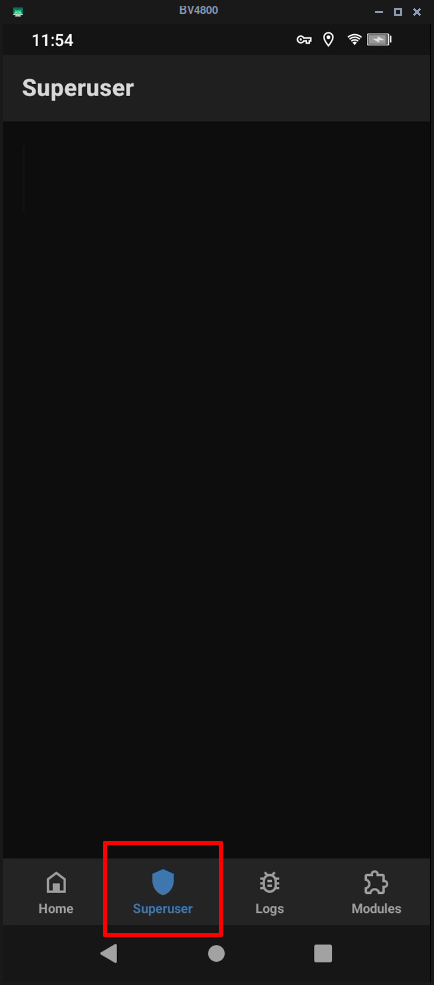
python mtk resetOpen magisk and see if you can open superuser,
if so, you're root!
Web References
Rooting blackview bv5300 by Niccolo Rigacci