
Modification LK.bin to erease Orange state and confirmation boot
Bypass Confirmation Boot
Tool necessary : Ghidra
Download and install here : https://github.com/NationalSecurityAgency/ghidra
Open file lk.bin in Ghidra
- File --> new project
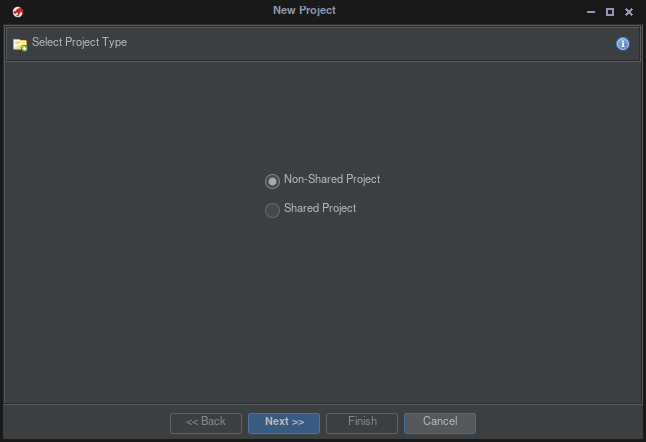
- Non-Shared Project --> Next
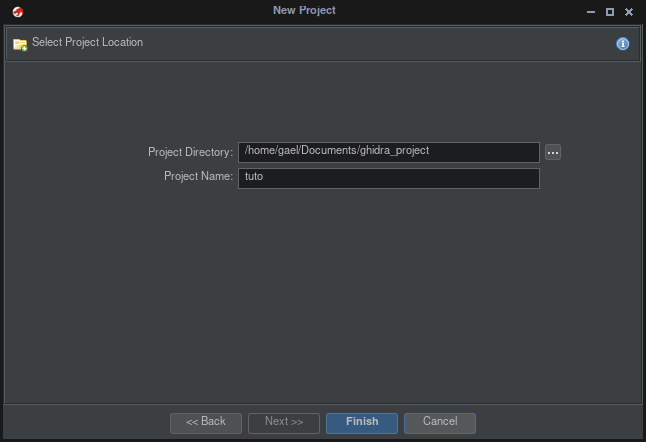
- Give a name to your project --> Next
- File --> import File
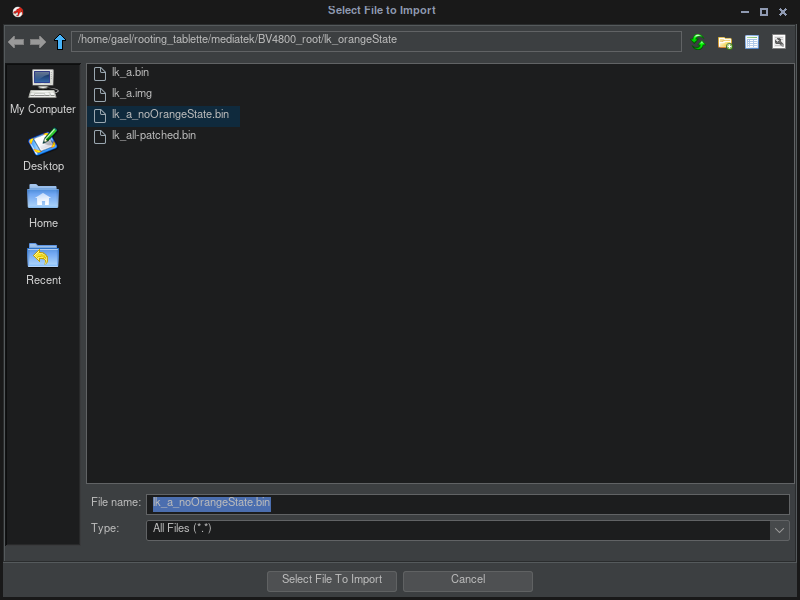
- Import File lk.bin you want patch
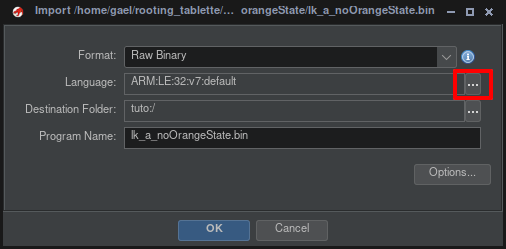
- Select Langage --> ARM
v6v7 | 32 | little | default
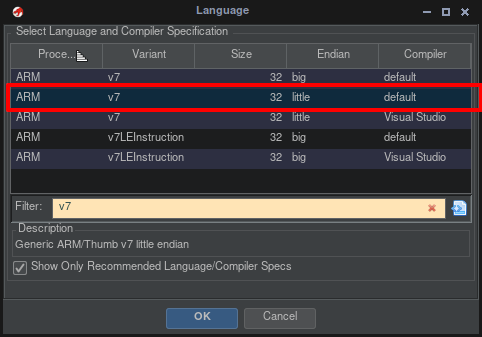
- Double click on file
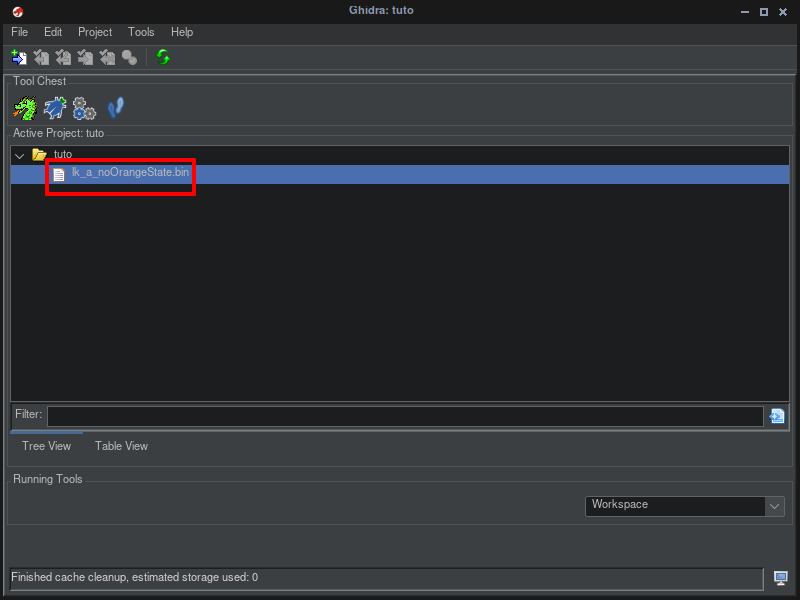
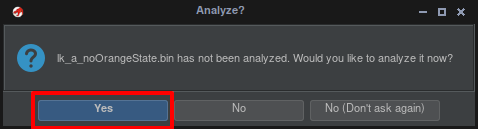
- respond yes to analyzed
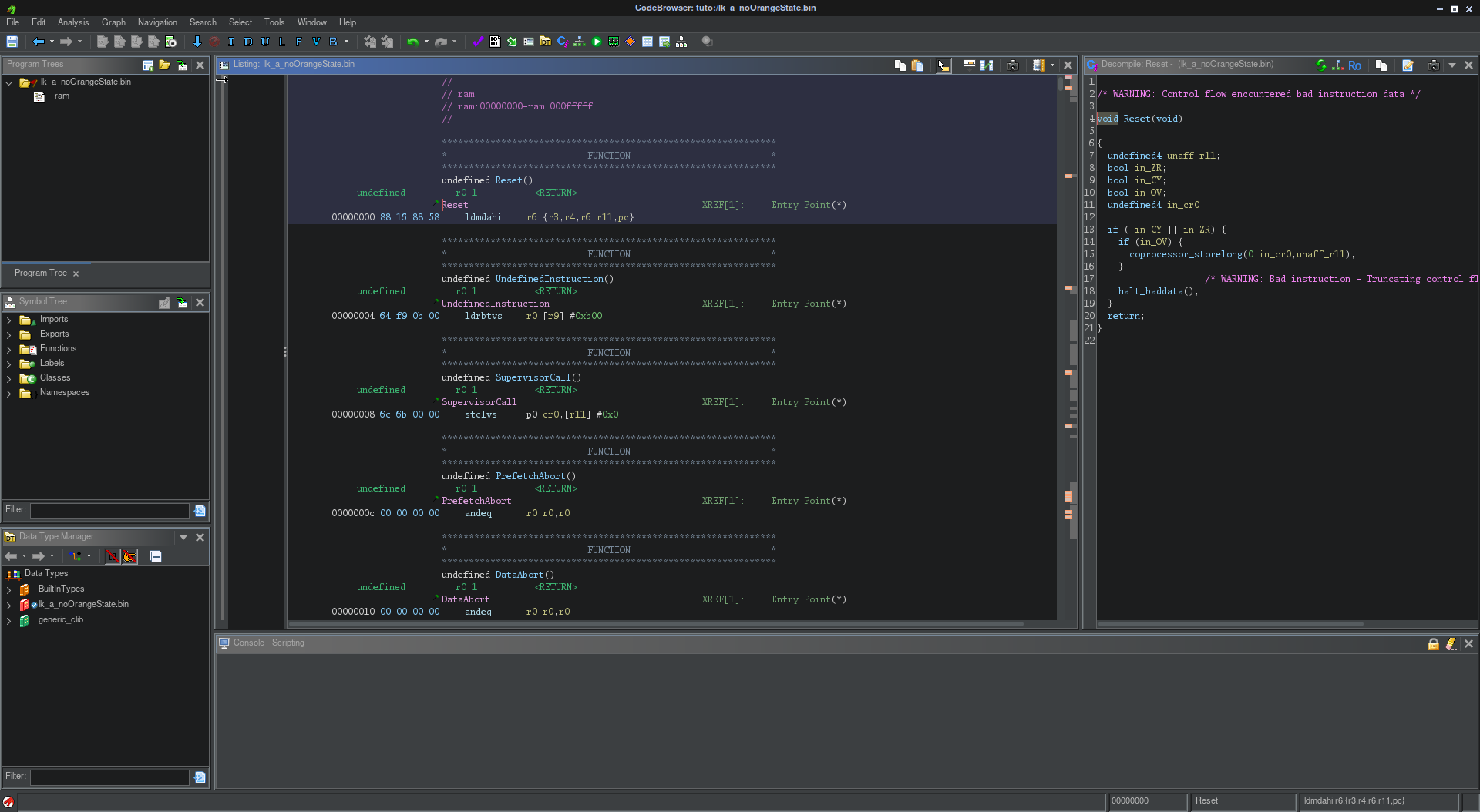
- We will get
- Search --> for String
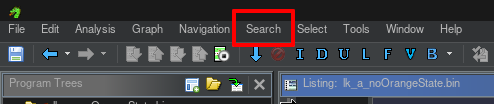
- continue with clicking on Search
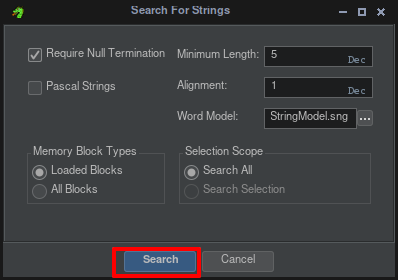
-
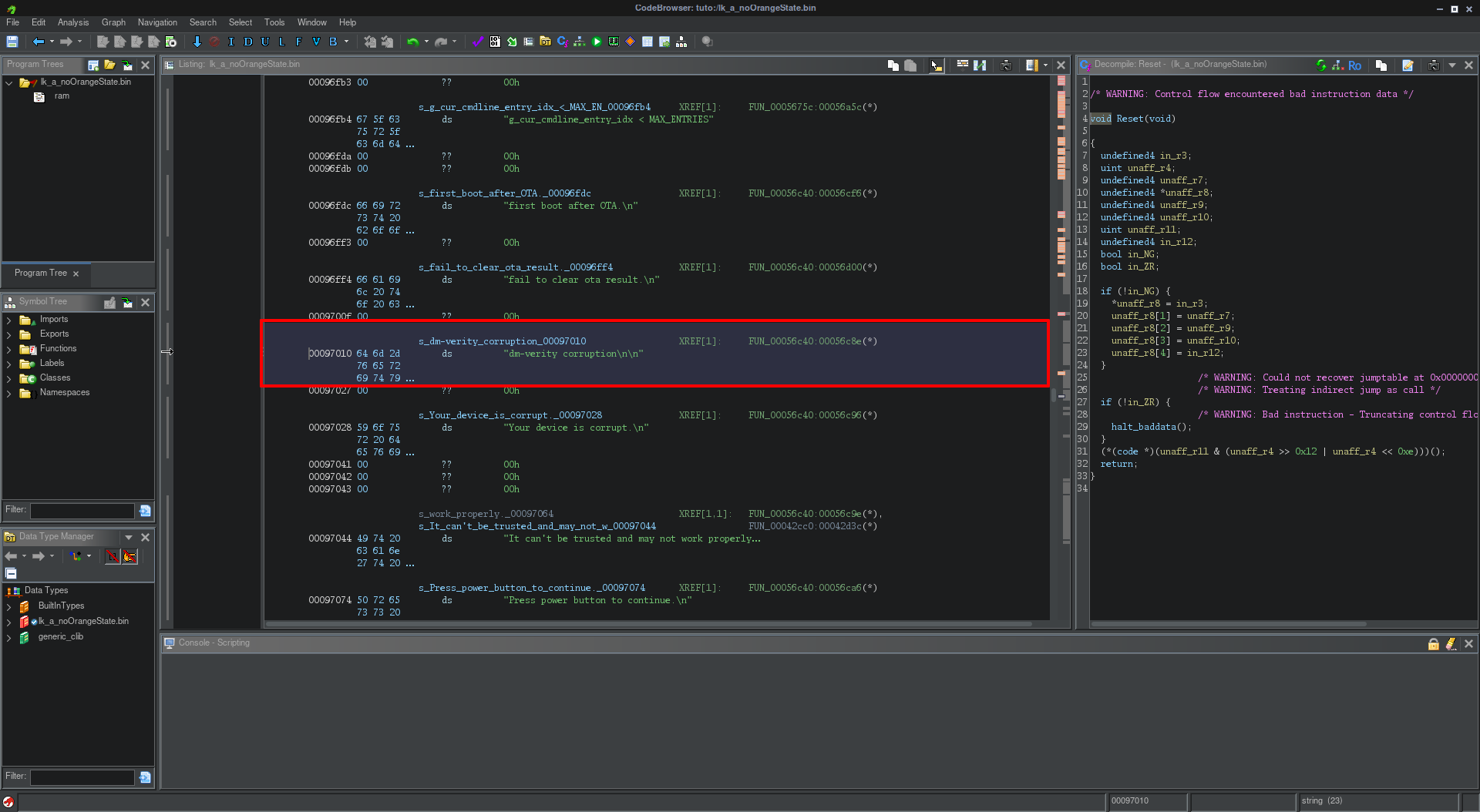
type "dm-verity corruption" on filter
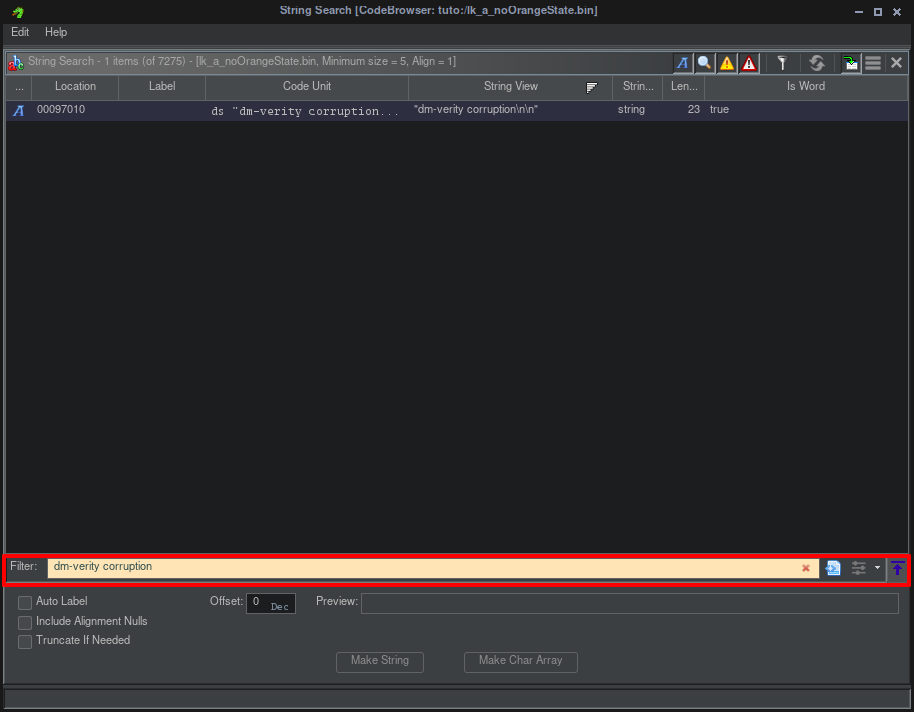
-
One final will find --> click on line find
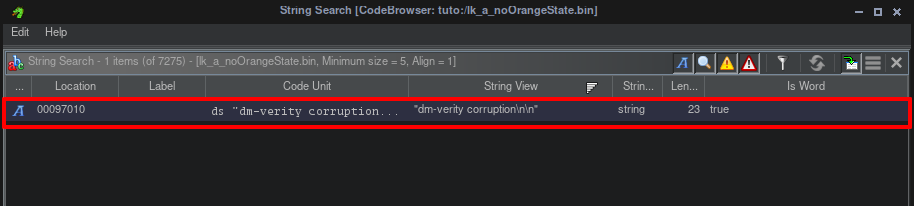
-
this will give
-
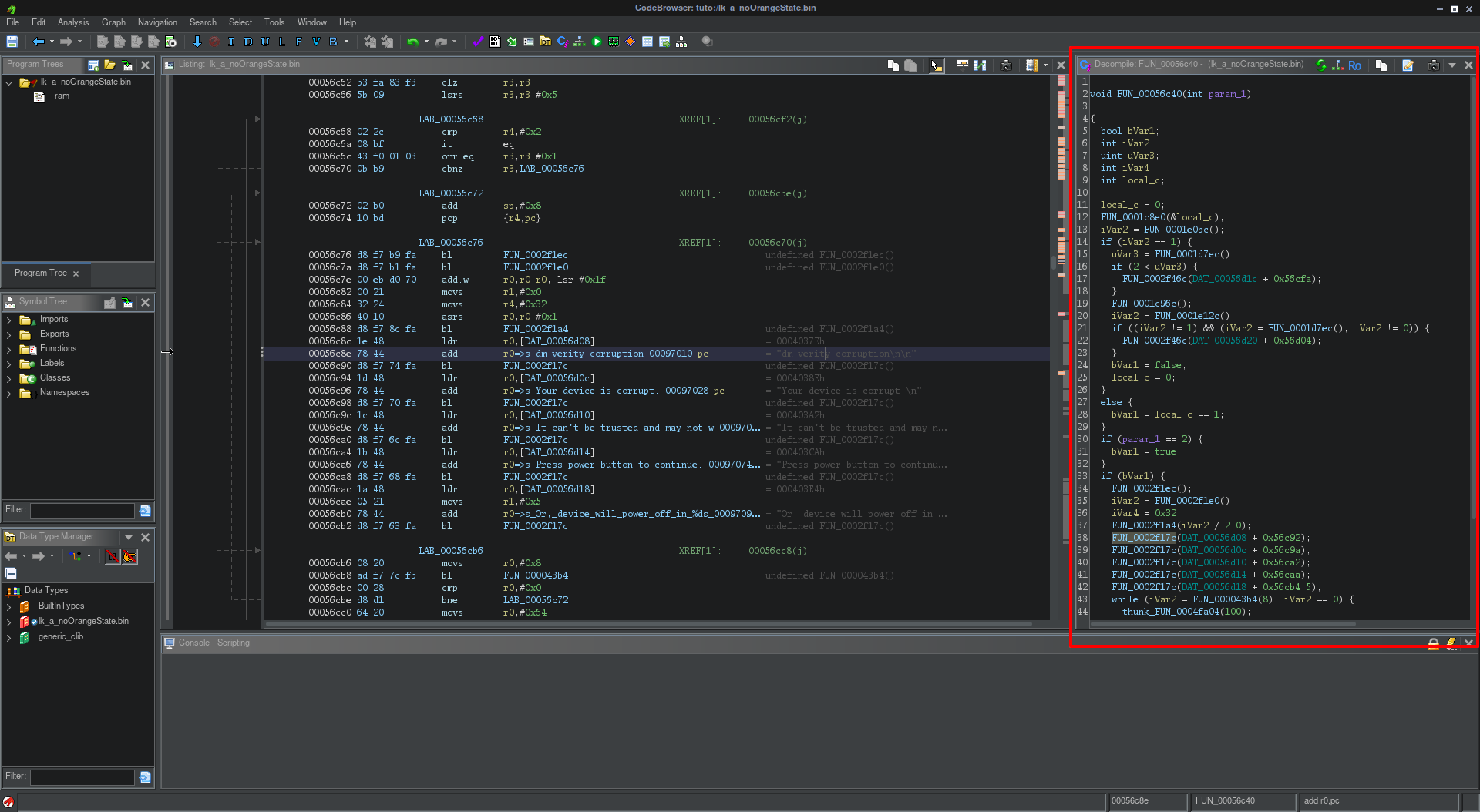
Go to the fonction who call the string "dm-verity corruption" with double click on hexa (FUN_00056c40:00056c8e)

-
This will give
-
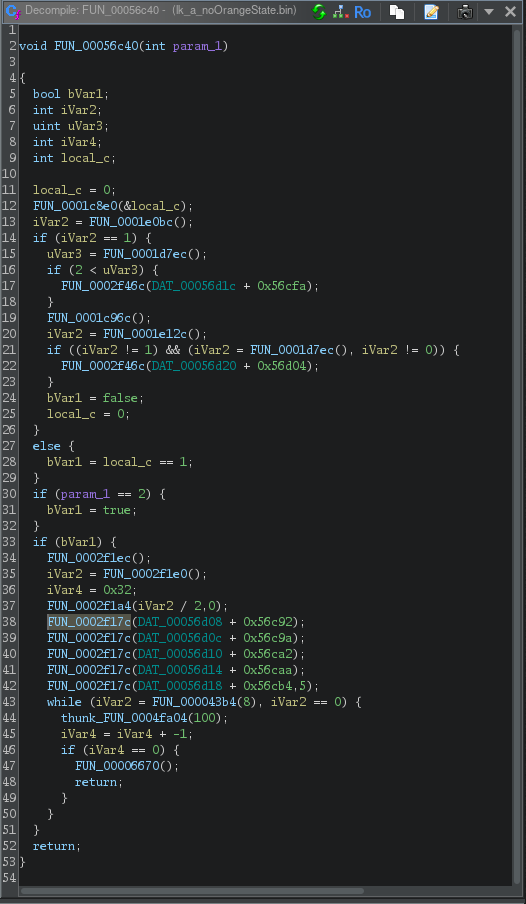
We get the fonction we need on right
-
The fonction who call string dm-verity is highlighted

-
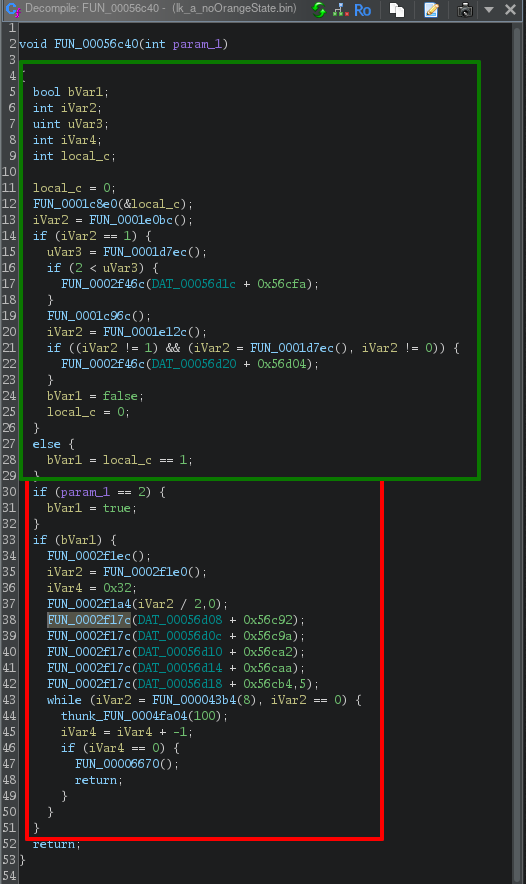
We can understand if the boot not start correctly
the var  and give
so the first an green is if boot is corectly and an red if we got an error
-
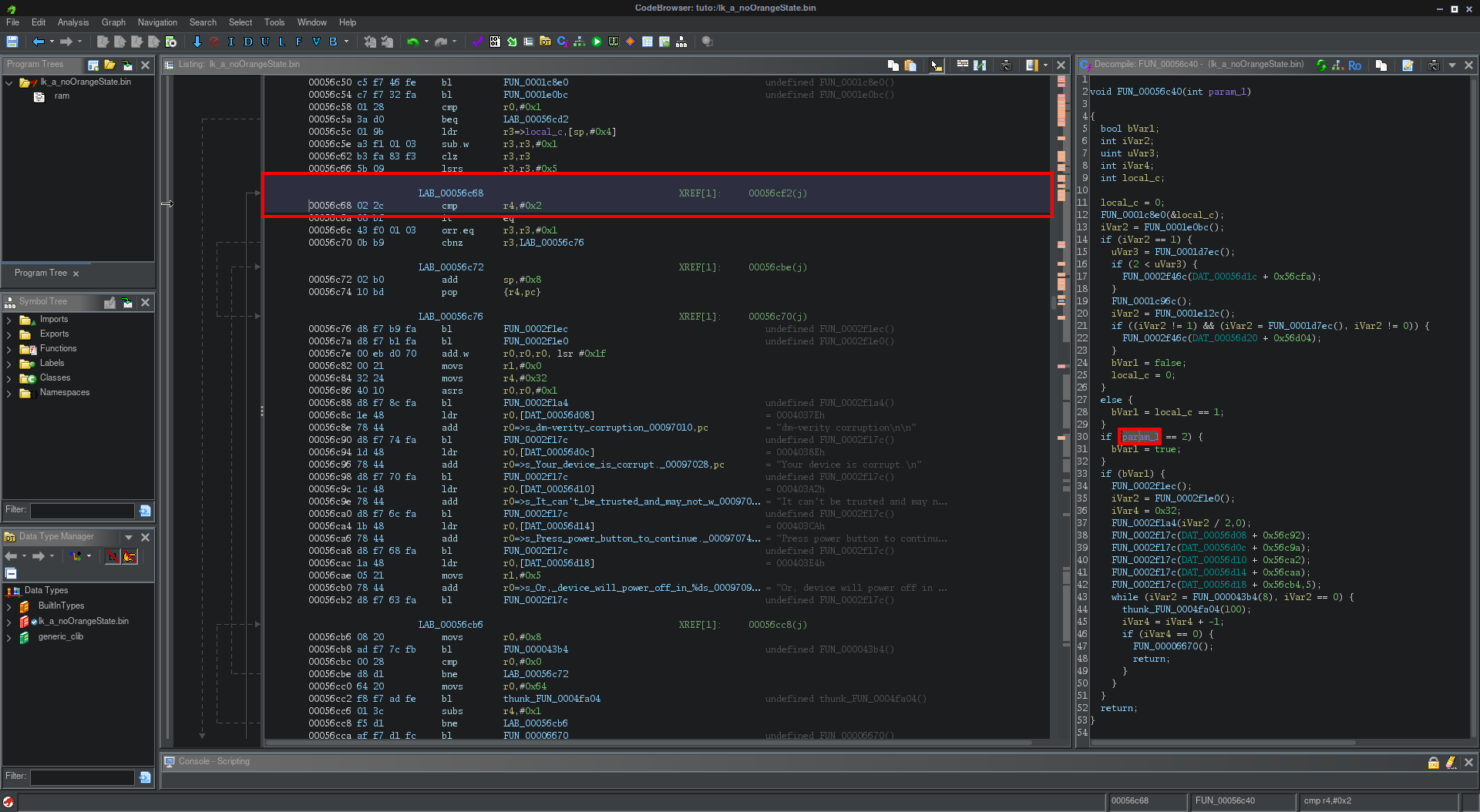
We therefore need to modify one of these variables so that it is no longer used in the function.
or
-
In the function, if we click on the desired variable, we move to the line where it is in the file.
-
Right Click on line --> Patch instruction
-
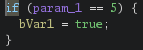
Change value of condition

-
We can do like this

-
After this we can save file quit
-
For export with menu project
-
Right click on file --> select export
-
You can choose Format Original File
Find the warning string
https://github.com/R0rt1z2/lkpatcher
https://lkpatcher.r0rt1z2.com/
https://blog.r0rt1z2.com/patch-mediatek-bootloader-images-lk.html